DifferView Room Editor
Place real products in your photo instantly, with natural shadows that ground every piece.
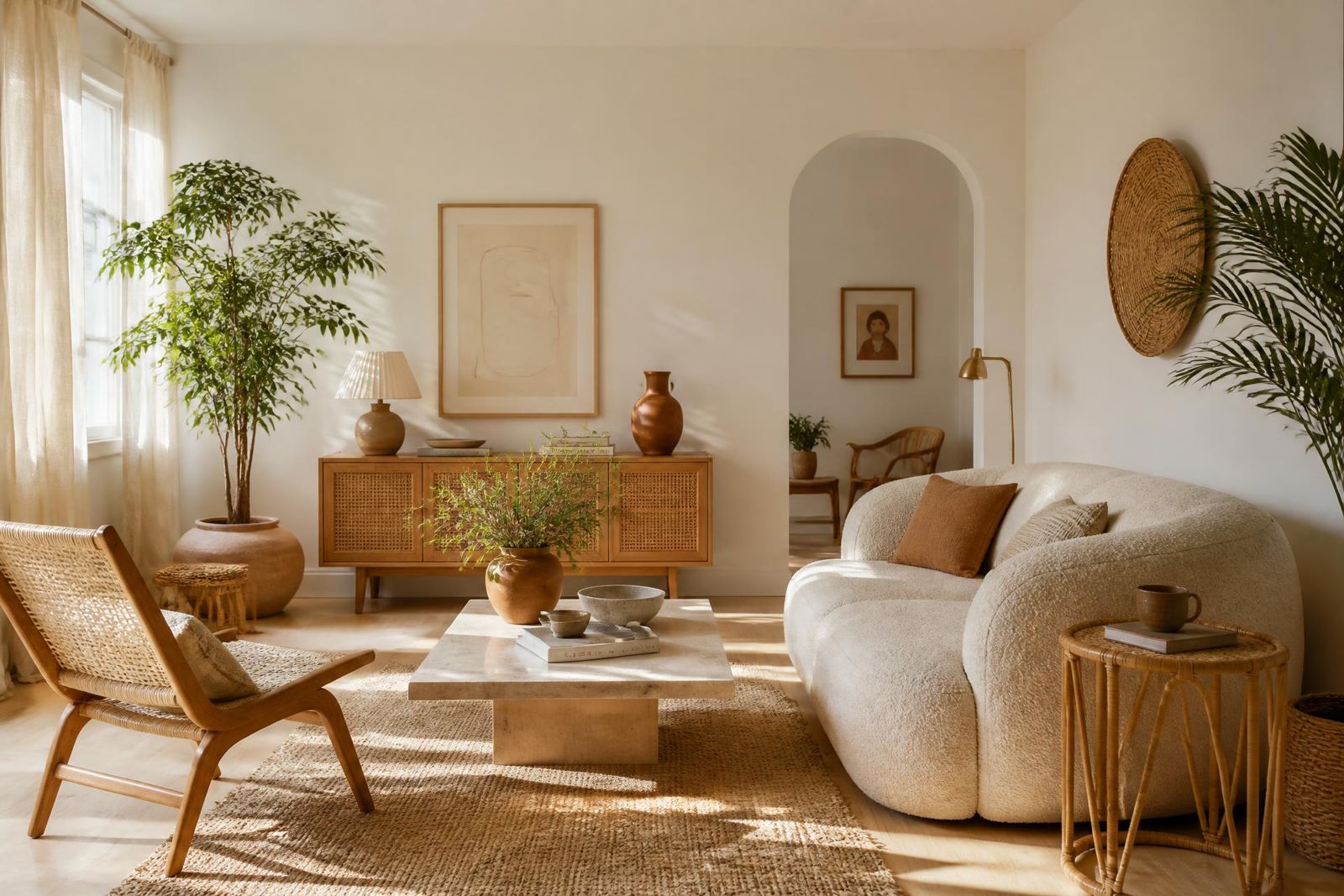
Free to use · No subscription
Upload a photo of your own room or choose a template — the DifferView room designer removes existing furniture with AI and lets you add shoppable furniture and wall colours. Love your design? Shop every piece directly from the retailer.
How it works
Use a photo of your own room or pick a template — the DifferView room designer does the rest. No design experience needed.
Take a photo of your own room, or start from a ready-made template.
One tap removes your existing furniture, leaving walls and floors untouched.
Drag in shoppable furniture and wall colours — move, resize and rotate each piece.
Save your design, then shop every piece through a direct link to the retailer.
Wall paint
Visualise paint colours on your own walls and find the real product to buy. No guesswork, no hassle.
Screen colours and room previews may differ from real paint — always check a physical sample before buying. Every colour links to the real paint product.
Sharing Corner
Browse the Sharing Corner to see how others are styling their spaces — every design lists the products used, with links to shop them.
Visit the Sharing CornerFree account. No catch.
No subscription, no credit card, no paid plans. An account simply keeps your rooms, designs and favourites in one place.
Place real products in your photo instantly, with natural shadows that ground every piece.
Keep every room photo you upload, ready to redesign anytime.
Save different looks for the same room and compare them side by side.
Bookmark products and designs you love and come back to them later.
Your room is ready when you are
Create an account and start designing. No subscription. No credit card.
Visualisations are for inspiration and may not perfectly represent exact dimensions, colours or materials. Always check the retailer's product specifications before purchasing.